セットアップ
MicroFreak
MicroFreakの製品登録をして
- MicroFreakを to your computer using the USB port.
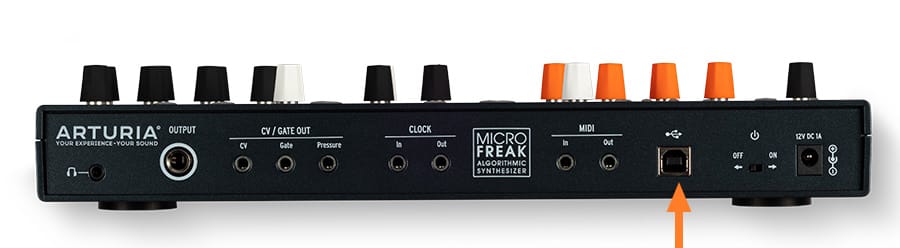
- MIDI Control Centerをダウンロードし、インストールしてください。
- MIDI Control Centerを開きます。to check for firmware updates and manage your MicroFreak.
MIDI Control Centerが必要な理由
MIDI Control Centerは、MicroFreakのポテンシャルを最大限に引き出すために必要なユーティリティ・ソフトウェアです。製品パラメーターの詳細な設定が可能になるほか、無料の定期ファームウェアアップデートを提供。お使いのMicroFreakを常に最適な状態に保ち、制作に集中できる環境を整えます。
インストール中に問題が発生した場合、サポートが必要な場合はこちら →
Learn more
with our MicroFreak tutorials
自信を持って、創造の旅へ。基本機能の解説からサウンドデザインのヒント、音楽制作テクニックまで、豊富なコンテンツをご用意しています。
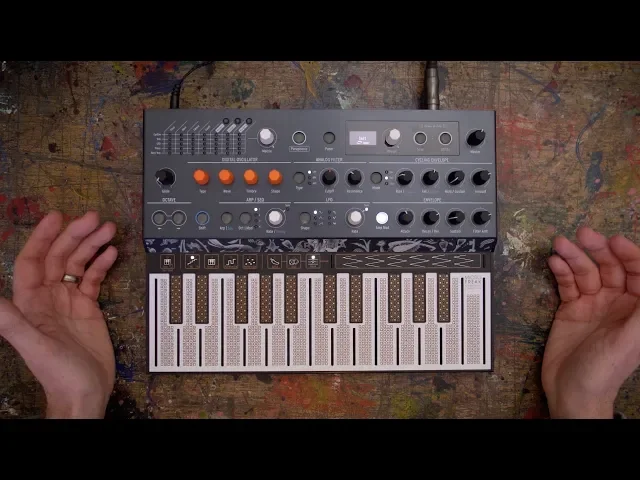
チュートリアル・プレイリスト
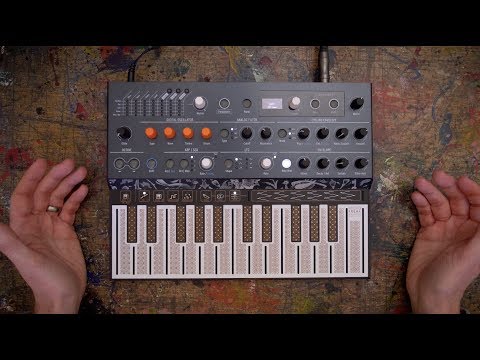
1. Ep. 1: Introduction
Let’s take a run-through the various oscillator types, each varying in sound and functionality. Bryan then takes a look at the modifiers (Wave, Timbre and Shape to customize the sound even more. Throw in a touch of paraphony, and the first impressions are set to last. 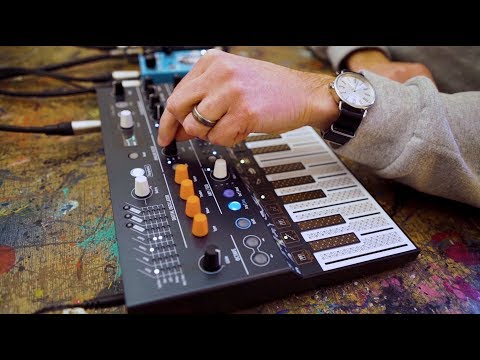
2. Ep. 2: Modulations
Synthesis takes on a whole new level of experimentation when the modulations are connected. By using the matrix, the ‘assign anything to control anything’ approach adds a whole new level of sound design. Use the LFO in creative ways, the envelope and cycling envelope, and any other function you see to add movement to the sound.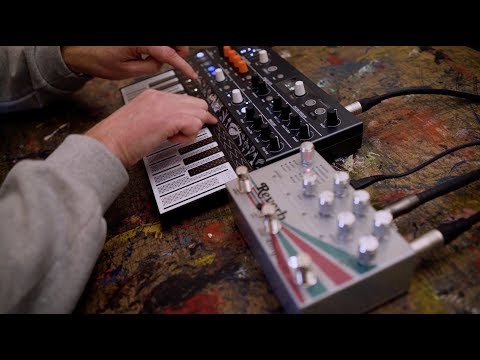
3. Ep. 3: Keyboard & Arpeggiator
Yes, the keyboard might look different to what you’ve played before, but once you get your hands on it you will understand why we’ve chosen this PCB keyboard. It’s sensitive and expressive, just like Bryan himself (he’s a very sensitive guy. Switch the arpeggiator on and you’re in instant inspiration mode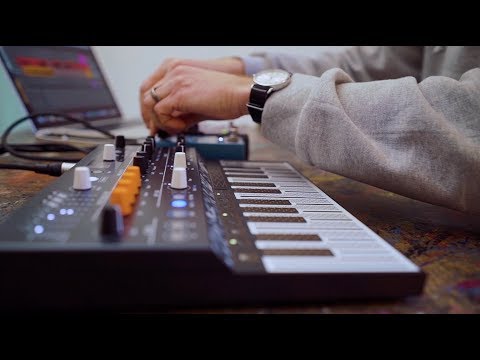
4. Ep. 4: Sequencer
MicroFreak turns into a real beast once you set the sequencer in motion. It’s got two paraphonic sequencers, which means you can record and play back up to four voices simultaneously. See how easy it is to record a sequence and be able to take sequencing to another level. 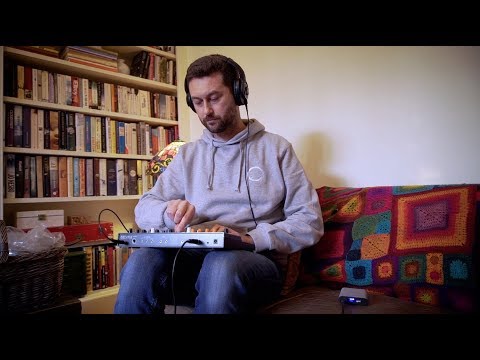
5. Ep. 5: Connectivity
MicroFreak is a great all-in-one box, throughout the tutorial series you’ve seen a bit of what it can do as a standalone unit. If you want a synth with presets, great lead, bass, keys, pads sounds, this will be great for you. If you are into the world of connecting to other hardware and software equipment, MicroFreak plays along with them very nicely too. Let’s get connected. 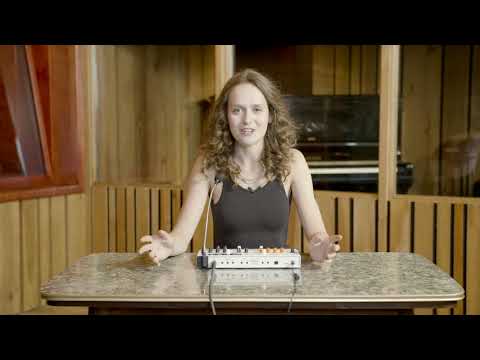
6. Ep. 6: Vocoder
MicroFreak now comes armed with a Vocoder oscillator engine. In this tutorial episode, Lena takes the new mode for a spin, demonstrating its combination of wild vocoding capabilities and complex digital sonic palette. There's new controls to explore, new settings to tweak, and a tonne of spicy new sounds at your disposal. Enjoy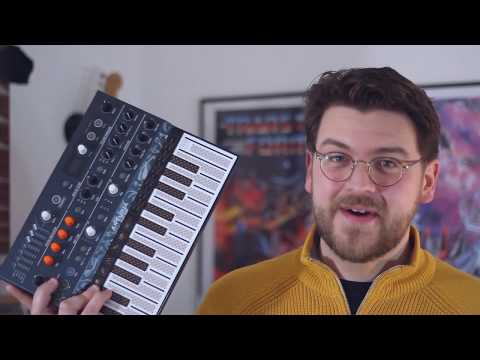
7. Next: Update 2.0
In this quick overview, Guy covers the cool new features you'll find in the free firmware update of MicroFreak version 2.0. Cool new presets, a powerful new Noise oscillator, Chord mode, Scale quantization, and more. This is why we love digital synths: free, awesome updates!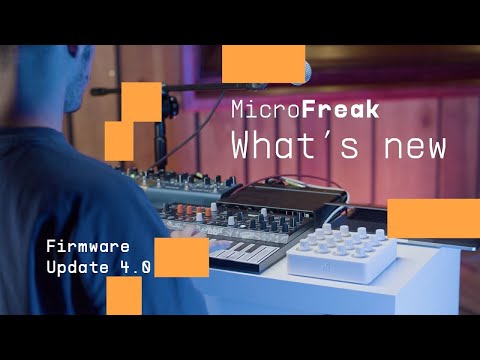
8. Next: Update 4.0
Decimated waveforms, scanned sonic surfaces, and evolving 3D soundscapes - yours for free. Firmware V4.0 takes MicroFreak on a sonic expedition to the edge of wavetable synthesis, with a brand new engine, user wavetable compatibility, new presets, and more.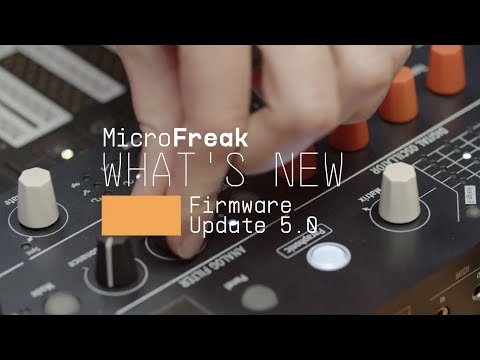
9. Next: Update 5.0
Lena gives you the guided tour of MicroFreak's explosive V5 firmware update, bringing sample import, a new Sample engine, 3 new Granular engines, and more - for free. Hear the new features in action and discover how they'll work for your Freaky flow.Ep. 1: Introduction
Let’s take a run-through the various oscillator types, each varying in sound and functionality. Bryan then takes a look at the modifiers (Wave, Timbre and Shape to customize the sound even more. Throw in a touch of paraphony, and the first impressions are set to last.
機能や使用法などの詳細はこちら
マニュアル
To learn even more, you can find the manuals on MicroFreak's Resources page: