Get started
with MiniFreak 49

Get your MiniFreak up and running and unleash its raw, untamed sonic potential.

Set up
MiniFreak 49

  1. Register your MiniFreak 49 to unlock your included MiniFreak V licence.

    Registering a MiniFreak 49 also unlocks extra MiniFreak V features.

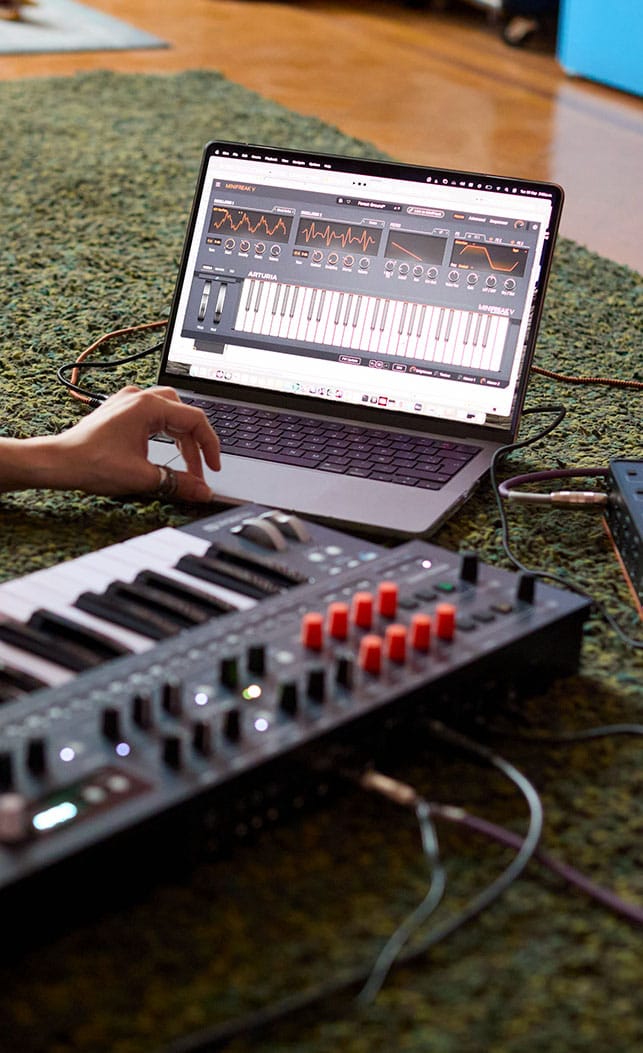
    Included with your MiniFreak is an identical VST counterpart, bringing the same wild hybrid sound, complete with modeled analog filters. You can fire it up in your DAW, use the same presets physically or virtually, sync the VST with MiniFreak’s controls, and access firmware updates.

  2. Download & install MiniFreak V.

    This also installs Arturia Software Center, where you’ll manage your licences and updates. Learn more

    Already have MiniFreak V installed?
    Update it to the latest version in Arturia Software Center, then skip to step 3.

  3. Connect your MiniFreak with USB, turn it on, and open MiniFreak V, making sure you’re online. If you don’t have the latest firmware, you’ll see instructions on how to update.

    Bonus: MiniFreak 49 also comes with Freak Renaissance, including 250 extra presets.
    Find it in the Sound Store inside MiniFreak V.
    How to install sound banks
Learn more
with our MiniFreak 49 tutorials

Accelerate your creative journey with confidence. Explore essential features, tips and tricks on how to design your own sounds.
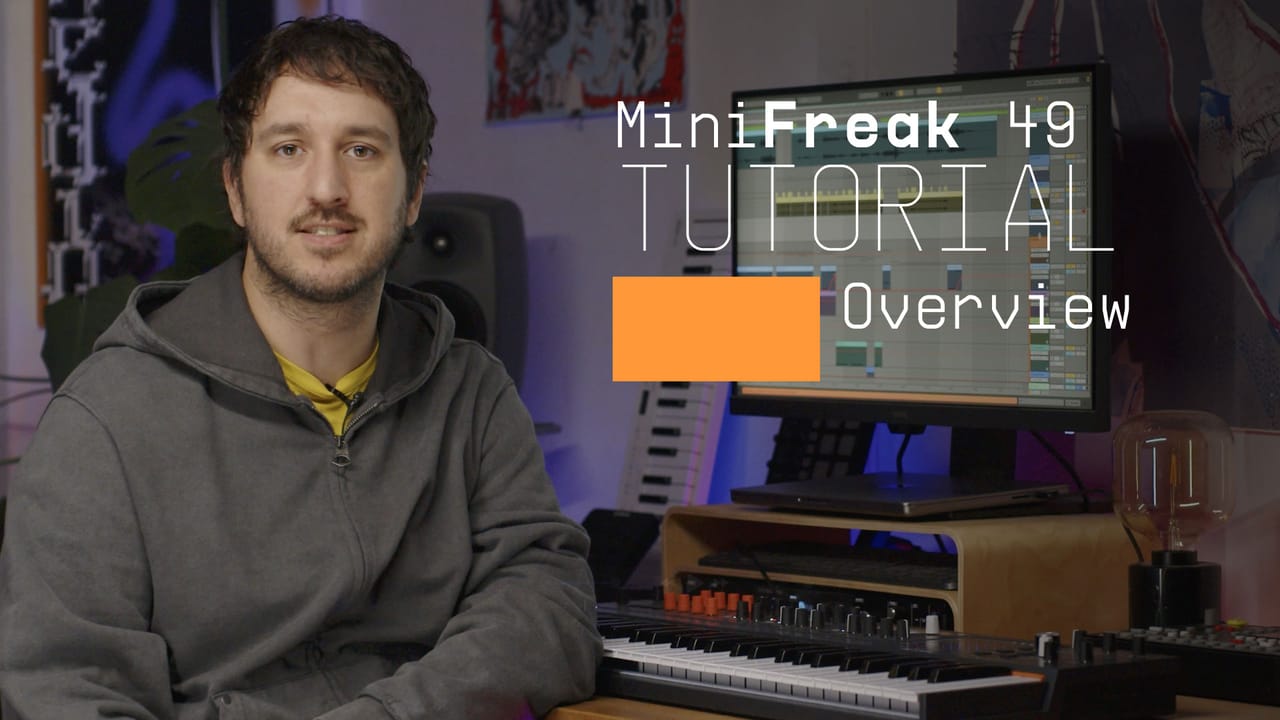
MiniFreak 49 | Overview

Tutorials playlist

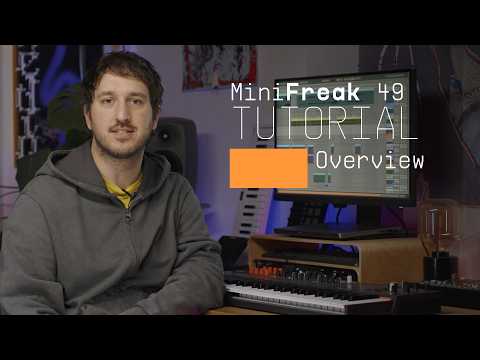
1. MiniFreak 49 | Overview
Join Alex for an introduction to MiniFreak 49, Arturia’s six-voice hybrid synthesizer with a 49-key semi-weighted keybed. Explore its dual digital engines, analog filter and audio-rate Filter FM, alongside the new touch matrix, expressive modulation, stereo voice panning and creative sequencing tools that bring sound design and performance together.
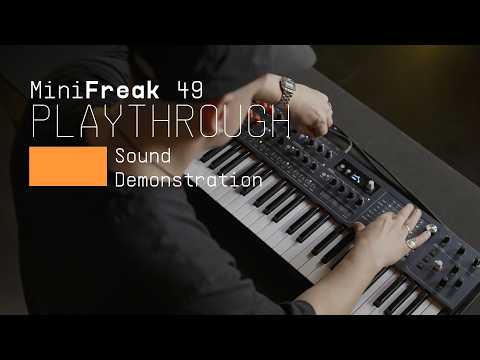
2. MiniFreak 49 | Playthrough
Marek Pędziwiatr explores MiniFreak 49's expansive sound palette inside Warsaw's B-Side hi-fi listening bar. From hazy atmospheres and shimmering keys to snarling basslines, restless sequences and fractured digital textures, discover how spontaneous sound shaping brings each preset to life with tonal shifts, unexpected transformations and controlled chaos.
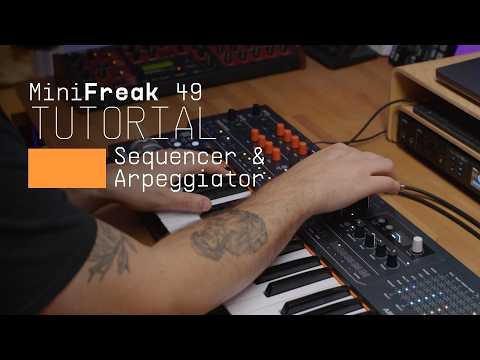
3. MiniFreak 49 | Sequencer & Arpeggiator
Follow Alex as he explores MiniFreak 49’s 64-step polyphonic sequencer, covering step and real-time recording, overdubbing and four lanes of modulation sequencing. Discover how Gate, Spice and Dice introduce rhythmic variation, while the arpeggiator’s playback modes, Ratchet, Repeat and Mutate functions transform simple patterns into evolving sequences and expressive performances.
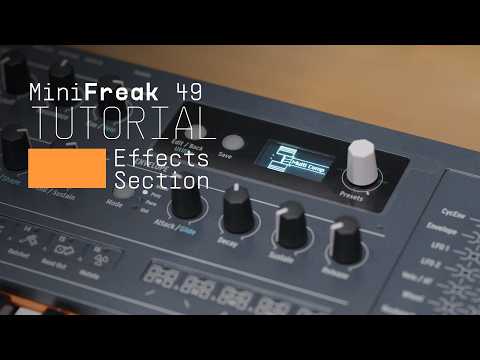
4. MiniFreak 49 | Effects Section
Join Alex for a deep dive into MiniFreak 49’s three-slot effects section, exploring everything from chorus, phaser and delay to distortion, EQ, compression and vocoder processing. Learn how flexible routing, modulation assignments and Freak Control’s FX Mix layout let you shape, animate and transform your sounds in real time
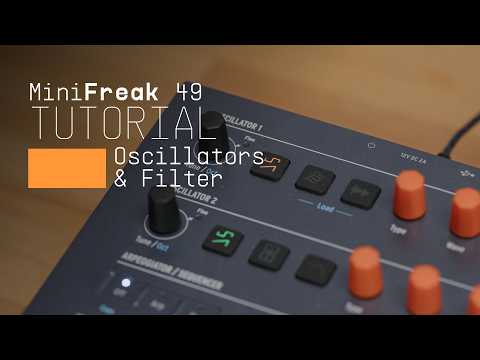
5. MiniFreak 49 | Oscillators & Filter
Follow Alex through MiniFreak 49’s dual digital engines and analog filter, from classic synthesis and wavetables to sampling, granular textures and oscillator processing. Discover how dedicated engine controls, audio-rate Filter FM and the six-voice analog filter open up new possibilities for sound shaping, from familiar analog tones to complex, experimental timbres.
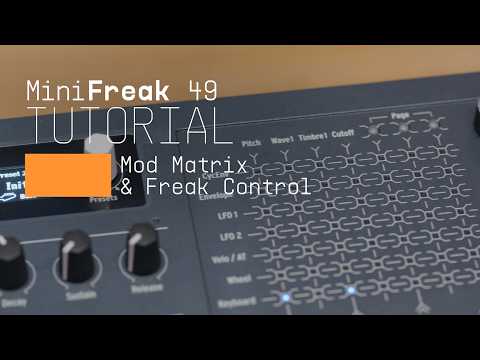
6. MiniFreak 49 | Modulators & Mod Matrix
Join Alex for a walkthrough of MiniFreak 49’s modulation system, from envelopes, LFOs and custom wave shapes to creating routings directly on the touch matrix. Discover how tactile preset browsing, assignable macros and Freak Control’s expressive XYZ layouts turn complex modulation into an intuitive, hands-on performance experience.

MiniFreak 49 | Overview

Join Alex for an introduction to MiniFreak 49, Arturia’s six-voice hybrid synthesizer with a 49-key semi-weighted keybed. Explore its dual digital engines, analog filter and audio-rate Filter FM, alongside the new touch matrix, expressive modulation, stereo voice panning and creative sequencing tools that bring sound design and performance together.

Find more information
with our manuals

To learn even more, you can find the manuals on MiniFreak 49's Resources page:
Read our manuals for MiniFreak 49 →