
MiniFreak Vocoder Edition
Spontaneous algorithmic synthesizer
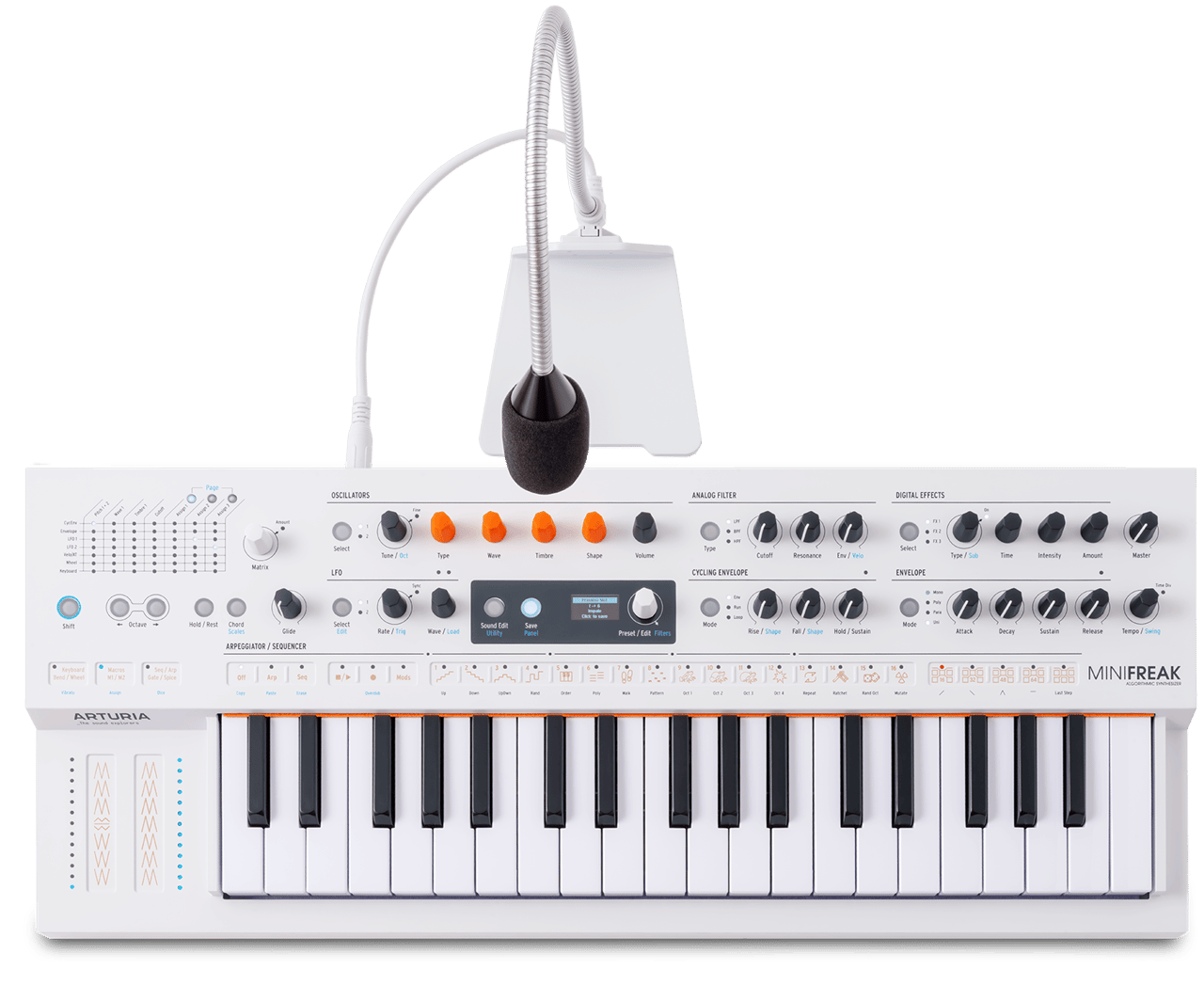
1. MiniFreak Vをダウンロードしてインストールします。
2. MiniFreak Vを開きます。
3. MiniFreakのファームウェアをアップデートします。
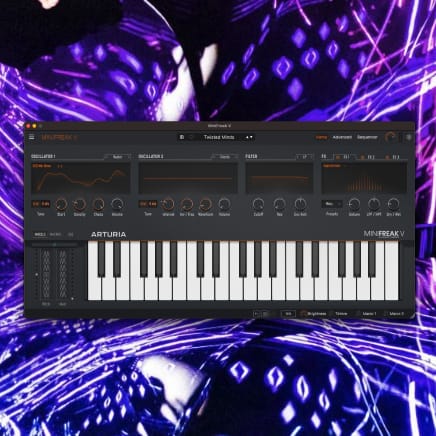
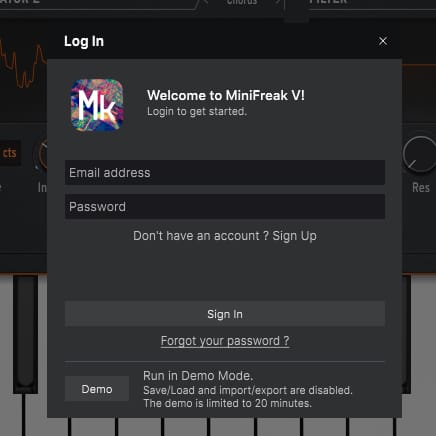
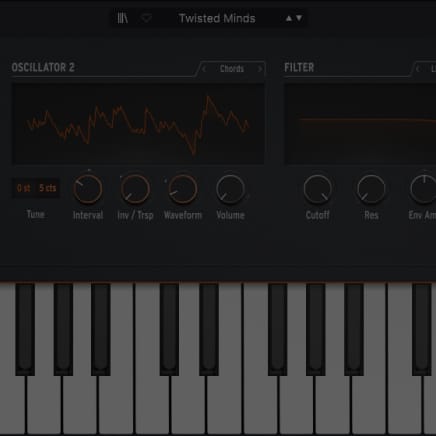
ファームウェアが最新でない場合、MiniFreak Vが自動的にお知らせします。その場合、自動アップデート (「Download & Install latest」ボタン) または手動アップデート (「Update from File」ボタン) のいずれかを選択できます。
MiniFreak Vocoder Edition
チュートリアル
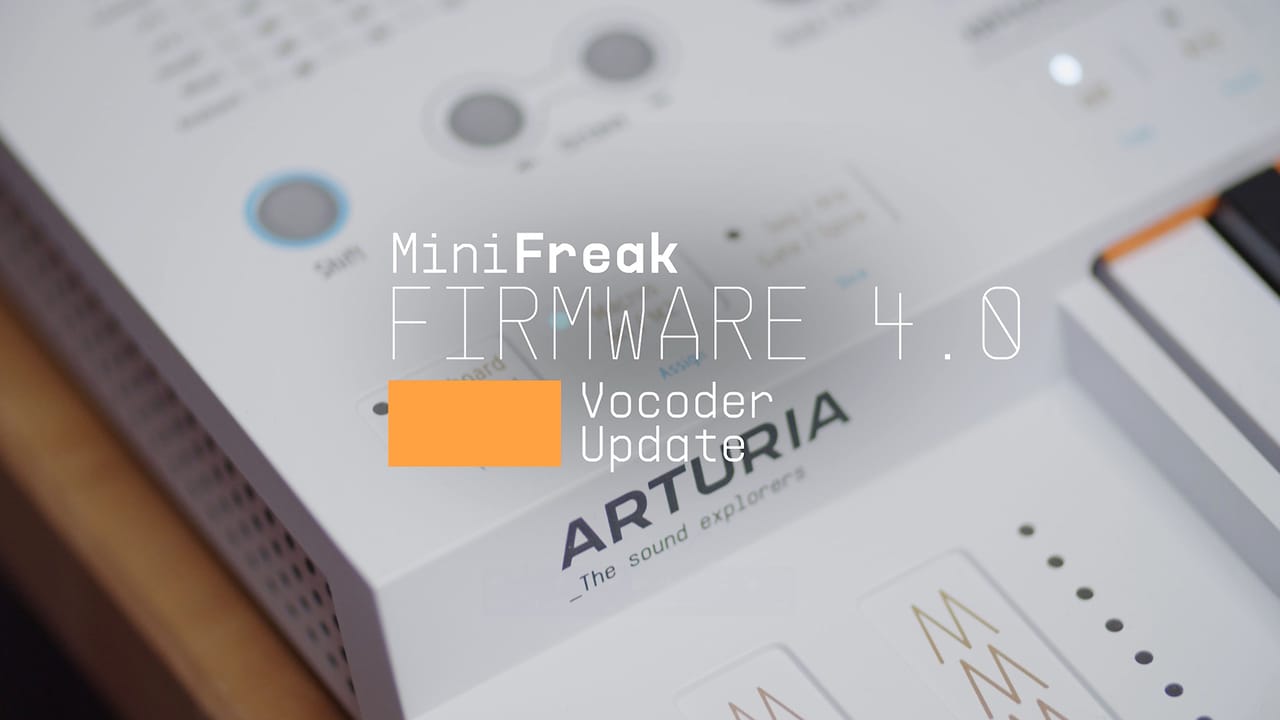
チュートリアル | Update 4.0 | Vocoder
In this in-depth tutorial, we'll walk you through everything you need to know to harness the creative power of the MiniFreak's new vocoder capabilities. Discover how to set it up, explore its unique parameters, and start transforming your voice, drums, and other audio sources into incredible new textures. Whether you're aiming for classic robot vocals or groundbreaking sound design, Update 4.0 opens up a universe of sonic possibilities for your Freak.
チュートリアル | Track Breakdown | MiniFreak FW 3.0 - Culprate
Granular Power: Inside a Full Track!
Discover how MiniFreak's new granular engines add some incredible sonic energy to a production by Culprate. Yetundey breaks down some of the key sounds used in the track and shows us the power and range of the new engines!
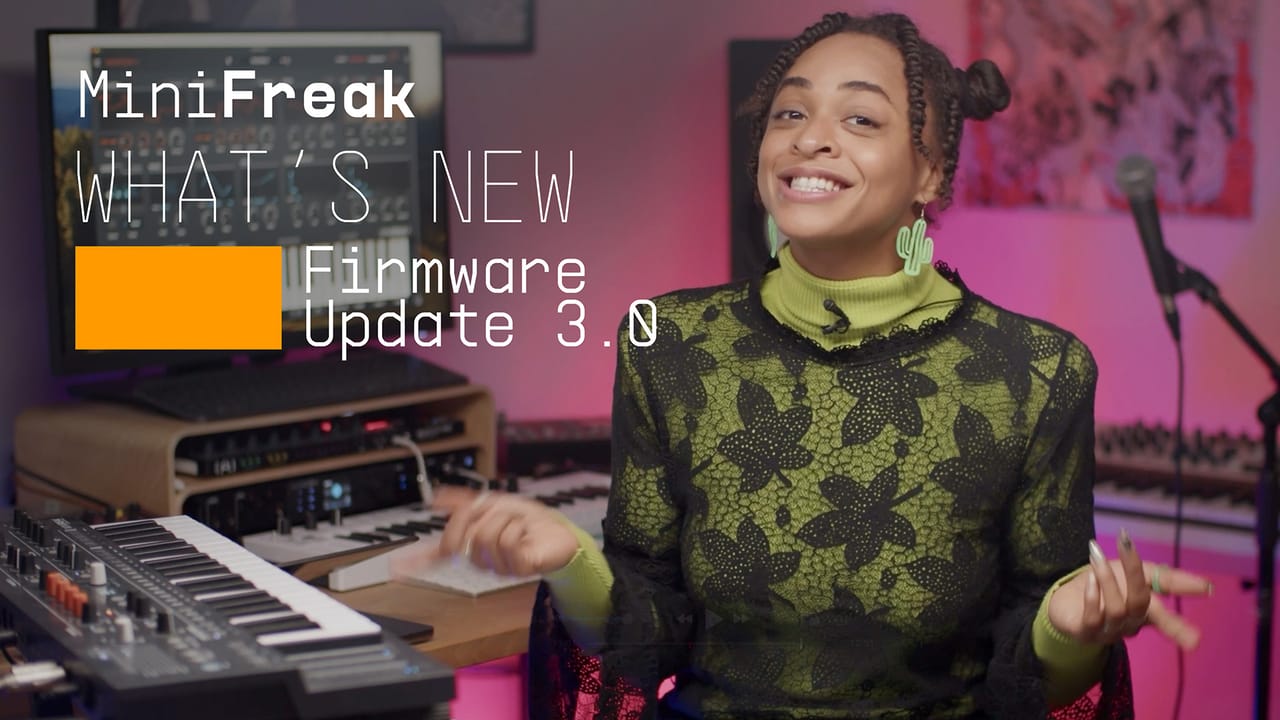
チュートリアル | MiniFreak Update 3.0 | What's new
Yetundey walks you through the killer new features of firmware 3.0 for the MiniFreak, unlocking the full potential of granular synthesis. With 8 new engines, granular-focused samples, an expanded factory bank, and more, this update takes your Freak to the next level of sonic exploration.
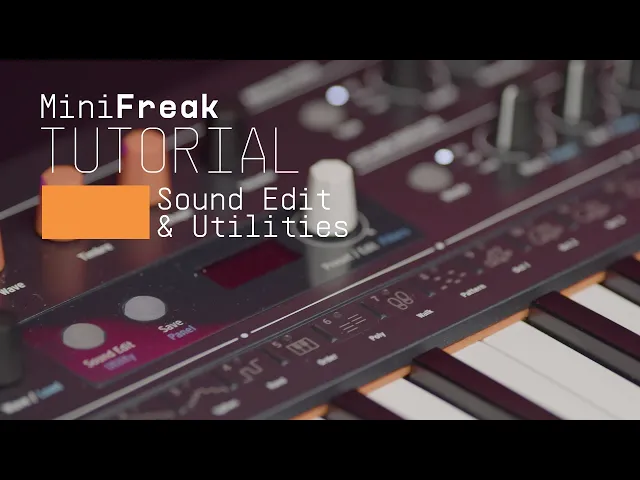
チュートリアル | Utilities
Go under the hood with MiniFreak's settings and cusomizations
Matt taps into MiniFreaks settings and configurations, guiding you through how to customize its creative features to suit your own workflow, from preset management to Scale quantization.
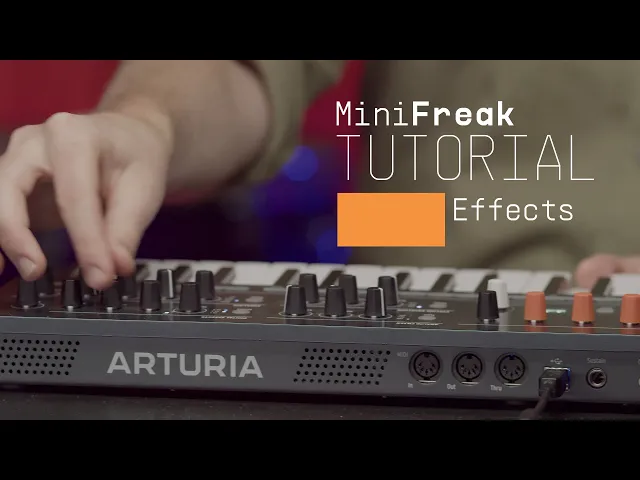
チュートリアル | Effects
Guaranteeing ultra-wide, mix-ready sound
In this tutorial, Matt walks you through MiniFreak's 3 FX slots and explores the ways it can embellish, color, or totally destroy your sound - in perfect mix-ready stereo, of course.
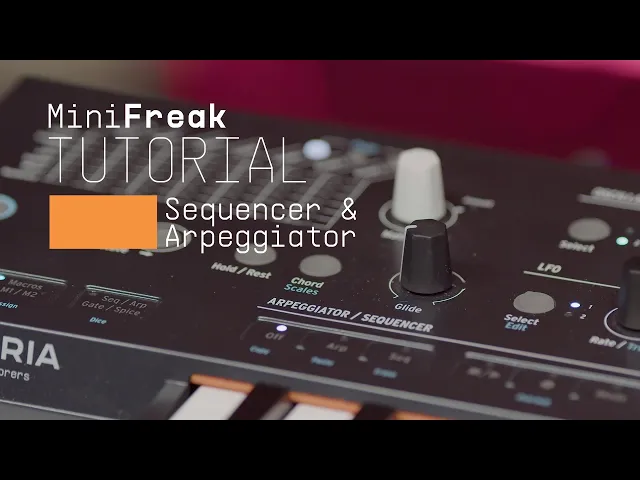
チュートリアル | Sequencer & Arpeggiator
Creative, spontaneous, randomized momentum
Matt Pike expores how MiniFreak blurs the lines between sequencing & arpeggiation, making it easier than ever to craft wildly creative melodies, chord movements, and ever-evolving ideas that you can tweak in real-time.
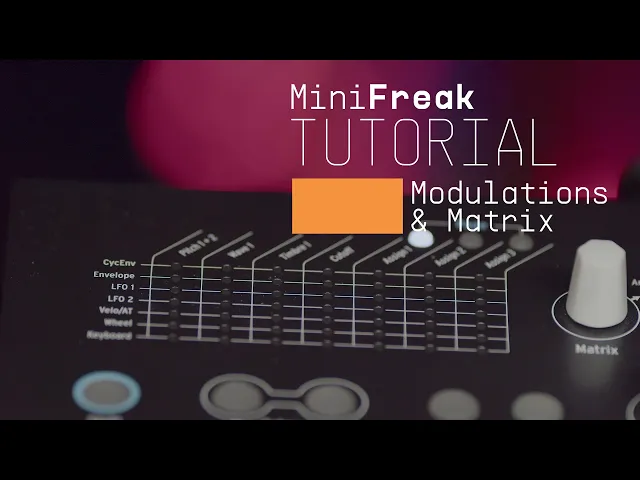
チュートリアル | Modulation Matrix
Discover how MiniFreak keeps your sounds moving
In this video, Matt Pike gives you a full tutorial on MiniFreak's complex but accessible modulation matrix, exploring its polyphonic envelope generators, 2 LFOs per voice, and creative flexibility with assignable modulation destinations.
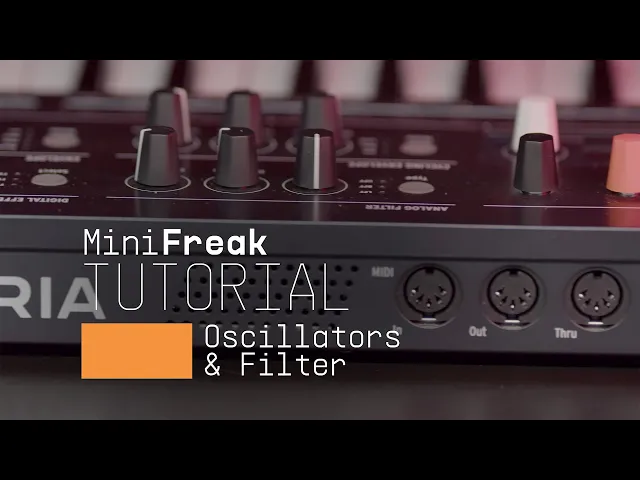
チュートリアル | Oscillators & Filters
Get familiar with MiniFreak's hybrid voice creation
In this tutorial video, Matt Pike goes in-depth on MiniFreak's dual digital engines and analog filters. Explore how to stack oscillator modes, how to process Engine 1 with Engine 2, and how the digital & analog combo can produce oustanding sonic results.
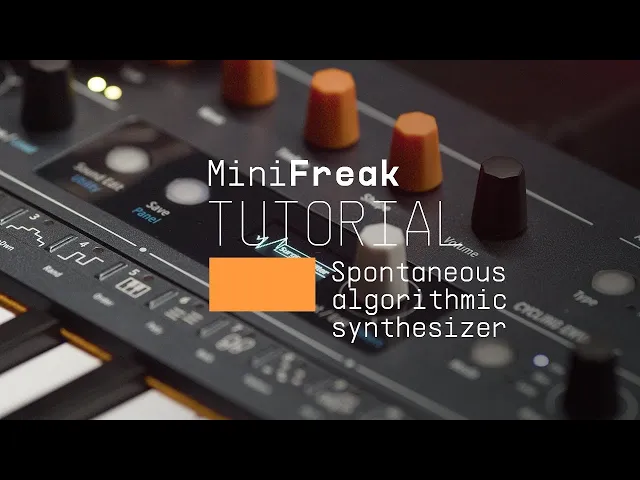
チュートリアル | Overview
An introduction to our hybrid algorithmic polysynth
Matt Pike gives you the lowdown on the 6-voice hybrid synthesizer that's out to break all the rules. In this tutorial, check out MiniFreak's features, hidden talents, and wild sounds.
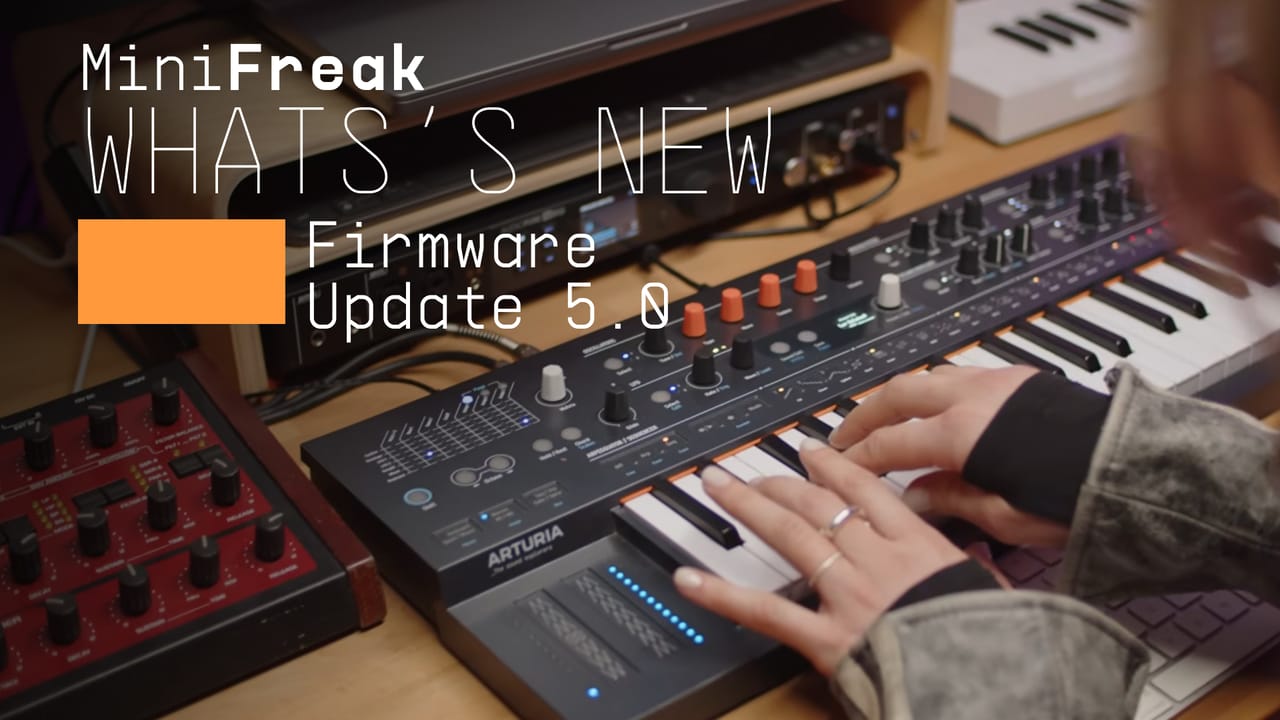
チュートリアル | What's new | MiniFreak Update 5.0 | User Sample & Wavetable
Join Leona for a walkthrough of MiniFreak Update 5.0. Discover the new sound bank, learn how to update MiniFreak V and your hardware firmware and explore the new Imported content workflow for bringing your own samples and wavetables into MiniFreak - plus creative tips to get the most from your new custom library.
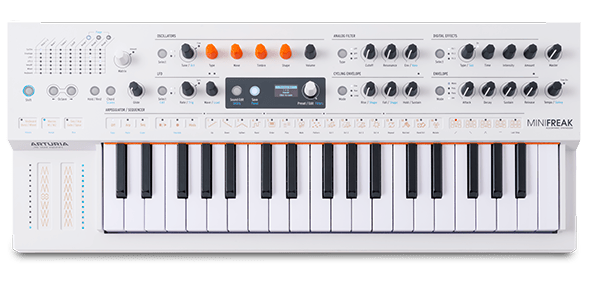
MiniFreak Vocoder Edition
マニュアル
MiniFreak Vocoder Edition JA Manual
バージョンja - 4.0.0|11.5 MB|7/4/2025
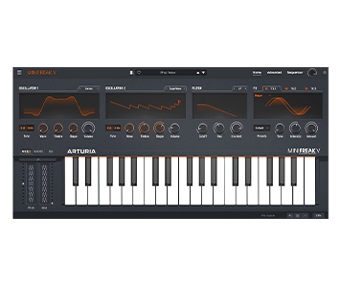
MiniFreak V
ソフトウェア
マニュアル
MiniFreak V JA Manual
バージョンja - 4.0.0|39.93 MB|7/4/2025