セットアップ
MiniFreak Vocoder Edition
- MiniFreak Vocoder Editionの製品登録をして 次の付属ソフトウェア・ライセンスをアクティベートします: MiniFreak V.
Registering a MiniFreak 49 also unlocks extra MiniFreak V features.
MiniFreakには、モデリングされたアナログフィルターを備えた同等のVSTプラグインが付属しており、あのワイルドなハイブリッドサウンドを再現します。DAW上で使用したり、ハードウェアとVSTの両方で同じプリセットを使用したり、VSTをMiniFreakのパラメーターと同期させたり、ファームウェアのアップデートを行ったりすることができます。
- Download & install MiniFreak V.
This also installs Arturia Software Center, where you’ll manage your licences and updates. もっと詳しく
Already have MiniFreak V installed?
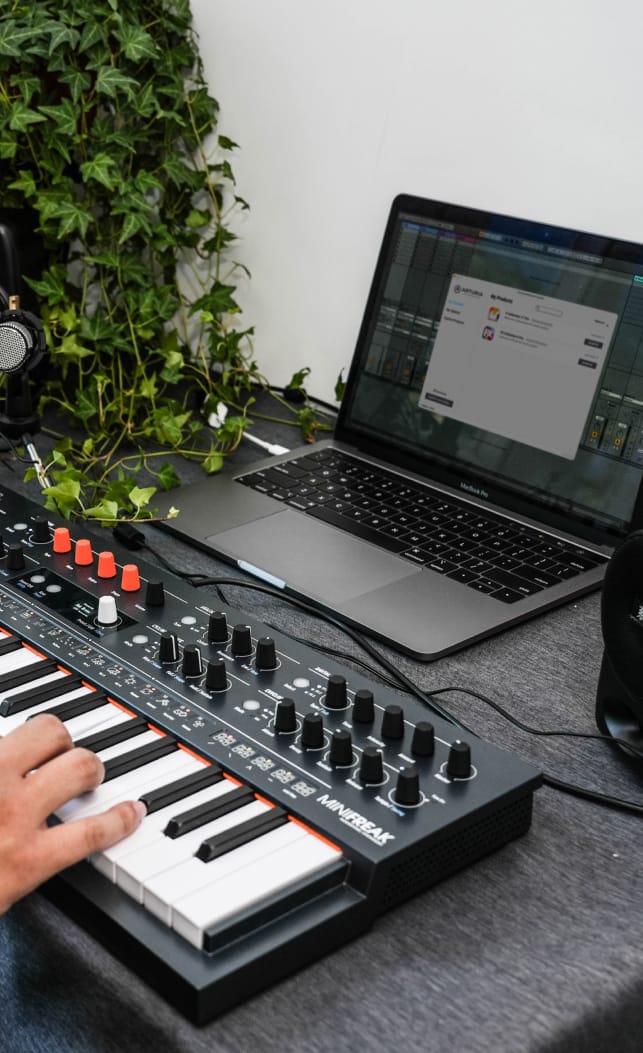
Update it to the latest version in Arturia Software Center, then skip to step 3. - MiniFreakをコンピュータにUSBケーブルで接続してMiniFreakの電源を入れ、MiniFreak Vを開き、 making sure you’re online. If you don’t have the latest firmware, you’ll see instructions on how to update.
Learn more
with our MiniFreak Vocoder Edition tutorials
Accelerate your creative journey with confidence. Explore essential features, tips and tricks on how to design your own sounds.
チュートリアル・プレイリスト
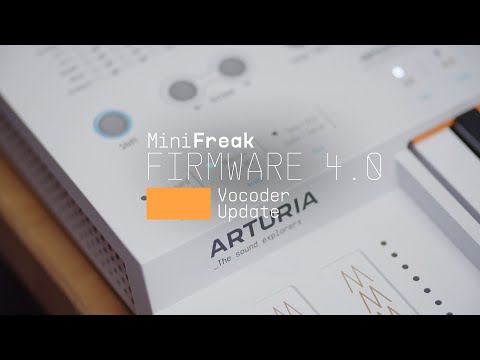
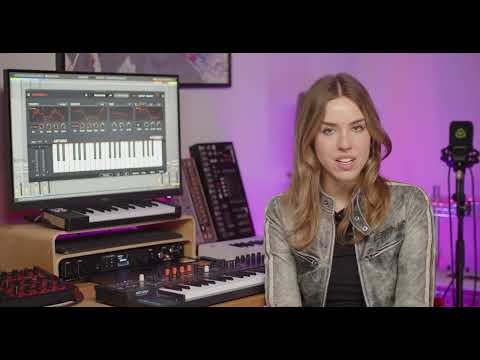
Update 4.0 | Vocoder
In this in-depth tutorial, we'll walk you through everything you need to know to harness the creative power of the MiniFreak's new vocoder capabilities. Discover how to set it up, explore its unique parameters, and start transforming your voice, drums, and other audio sources into incredible new textures. Whether you're aiming for classic robot vocals or groundbreaking sound design, Update 4.0 opens up a universe of sonic possibilities for your Freak.
機能や使用法などの詳細はこちら
マニュアル
To learn even more, you can find the manuals on MiniFreak Vocoder Edition's Resources page: