Set up
AudioFuse Studio Rev2
Register your AudioFuse Studio Rev2to unlock your included free Software licenses.
- Connect AudioFuse Studio Rev2 to your computer using the USB port.
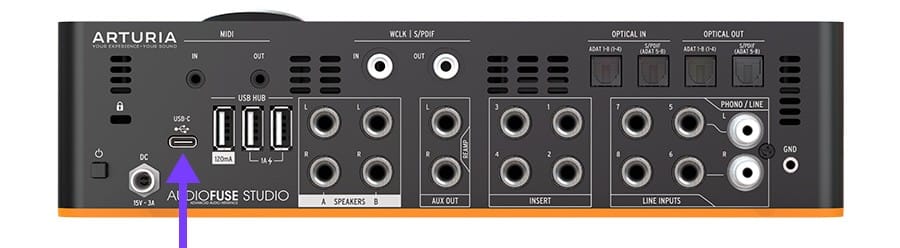
- Download and install the AudioFuse Control Center.
- Launch the software and follow the instructions inside the AudioFuse Control Center to set up your AudioFuse Studio Rev2.
Why AudioFuse Control Center?
AudioFuse Control Center is the required utility software that unlocks the full capabilities of your AudioFuse Studio Rev2. It allows detailed control over the parameters of your product and ensures regular free firmware updates, keeping your AudioFuse Studio Rev2 configured and always ready to record.

若您在安装过程中遇到问题
Don’t miss


Learn more
with our AudioFuse Studio Rev2 tutorials
Start your creative journey with confidence. Explore essential features, tips and tricks on how to design your own sounds, other music production hacks and much more.
Tutorials playlist
1. Ep. 1: Overview & Benefits
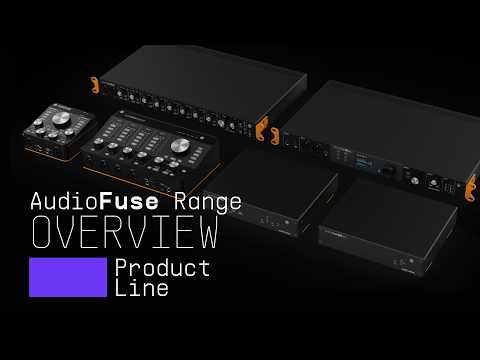
2. Audiofuse Range | Products overview
Join Alex for a tour of the full AudioFuse range: Arturia's family of audio interfaces, all built on careful conversion, solid build quality and hands-on control. Discover how AudioFuse Rev2, AudioFuse 8Pre, AudioFuse Studio Rev2, X8 IN, X8 OUT and AudioFuse 16Rig each suit a different studio setup, from compact desktop recording to multi-mic sessions, hybrid synth rigs and immersive monitoring.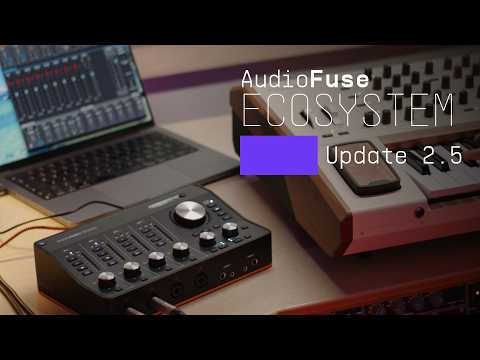
3. Audiofuse Ecosystem | Update 2.5
Alex walks through AudioFuse Control Center 2.5.0, a free update rolling out across the AudioFuse ecosystem. See how the new Import/Export feature backs up and restores your device state, and explore AudioFuse Studio's rewritten clock management and more flexible routing, refinements to the software and a new HTTP API for custom workflows. Plus, meet the new AudioFuse Studio Rev2.Ep. 1: Overview & Benefits
Install
additional Arturia software
AudioFuse Studio Rev2 comes with incredible and powerful Arturia software included for free.
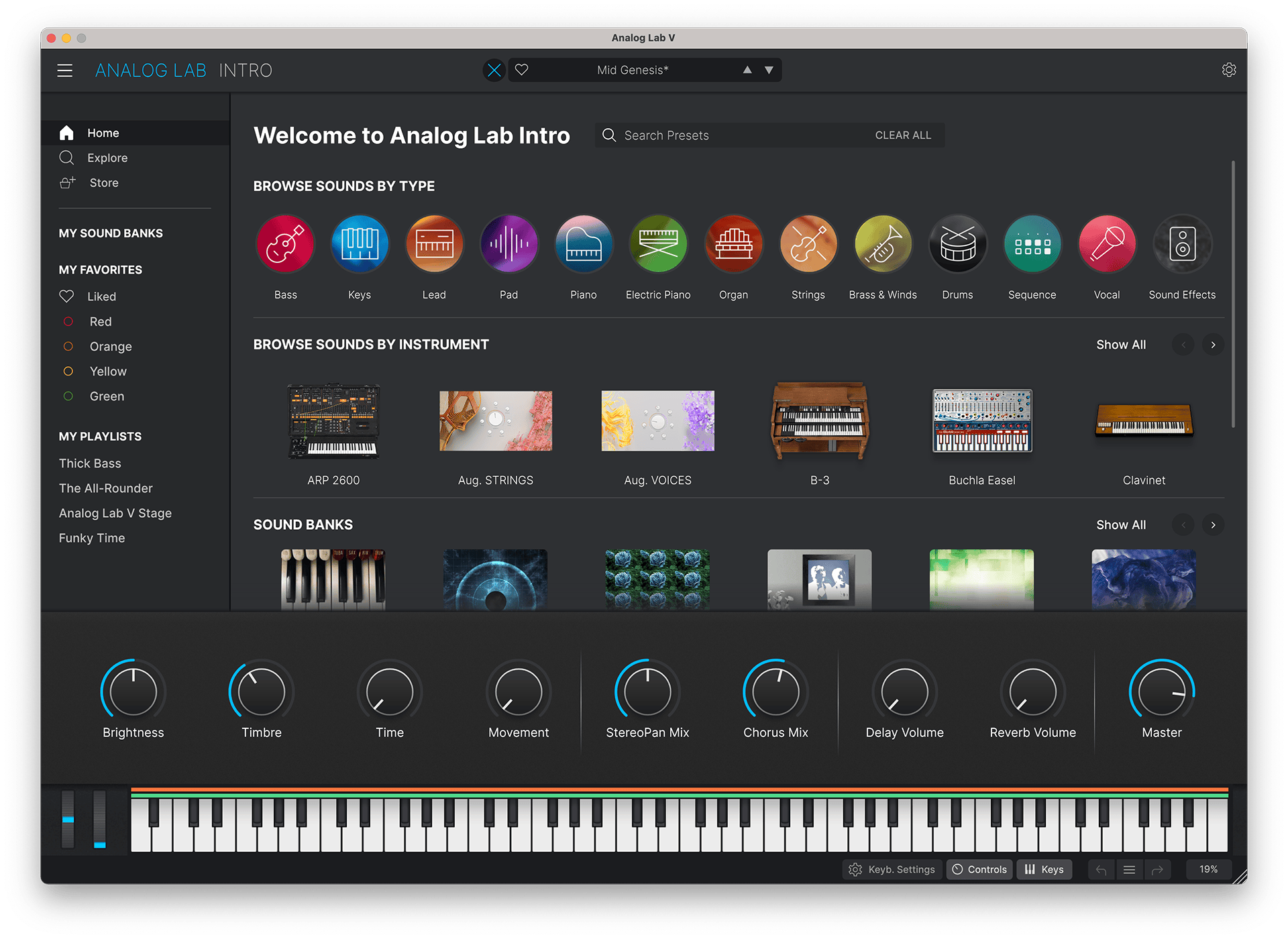
_Analog Lab Intro
Analog Lab Intro 是一个免费、易于使用的插件,包含来自我们屡获殊荣的 V Collection 乐器的500个精心调校的预设 - 将无与伦比的标志性音色与简单智能、愉悦且激发灵感的界面相结合。
Discover Analog Lab Intro →
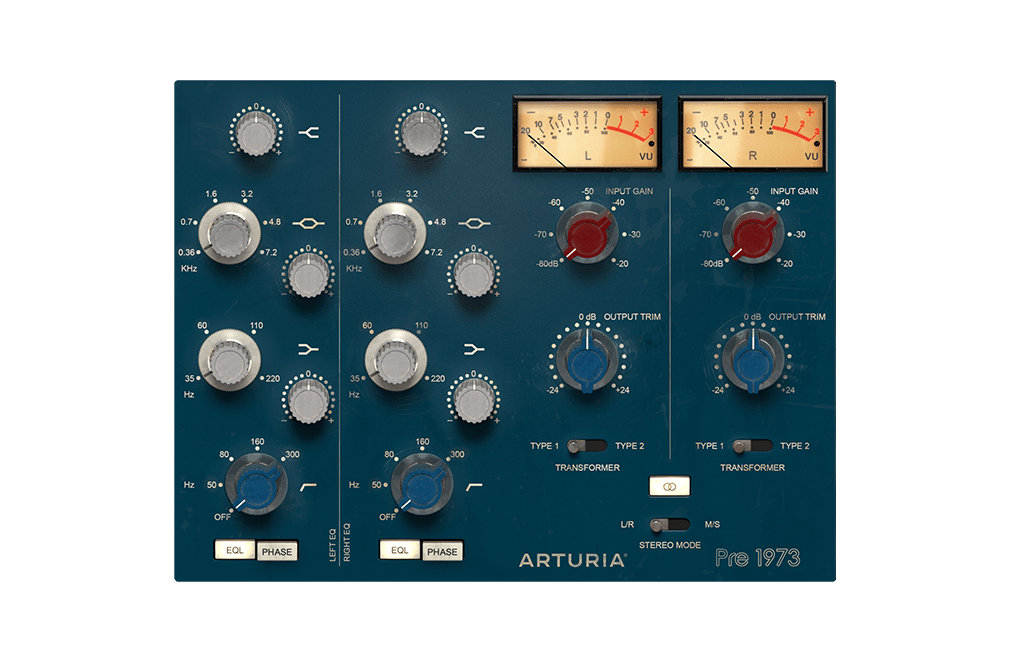
_Pre 1973
世界顶级工作室的明确音效,完美重现给现代制作人。调色您的音调,饱和您的信号,或为所有内容赋予微妙的复古提升。温暖数字信号的完美方式。
Discover Pre 1973 →
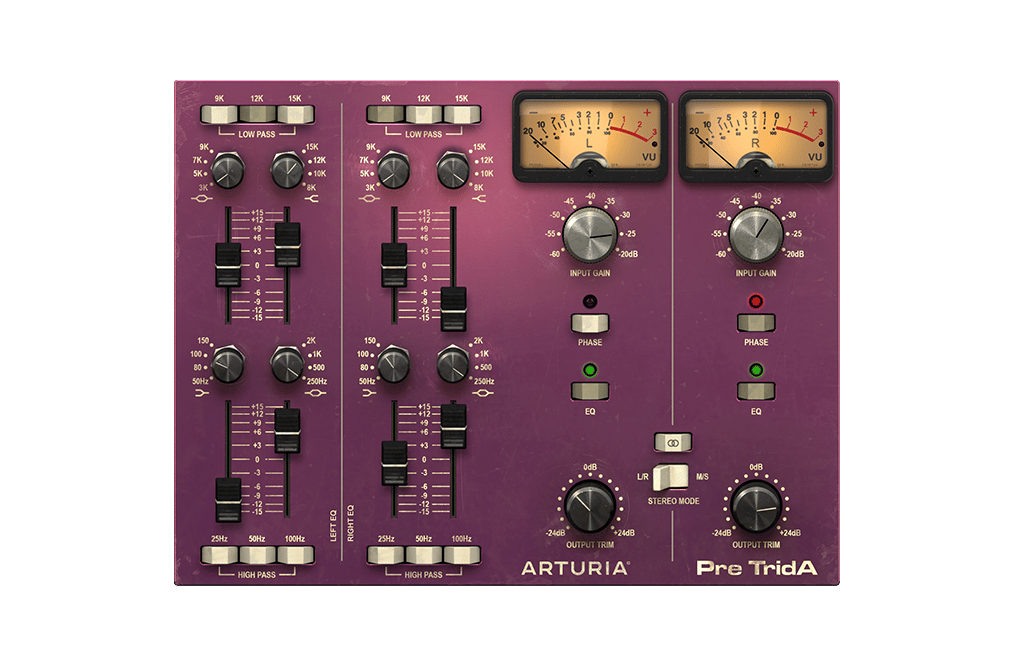
_Pre TridA
有史以来最抢手的独家通道条之一,已为您的 DAW 重生。使用注定会成为您首选的多合一插件,控制您的最终音色。
Discover Pre TridA →
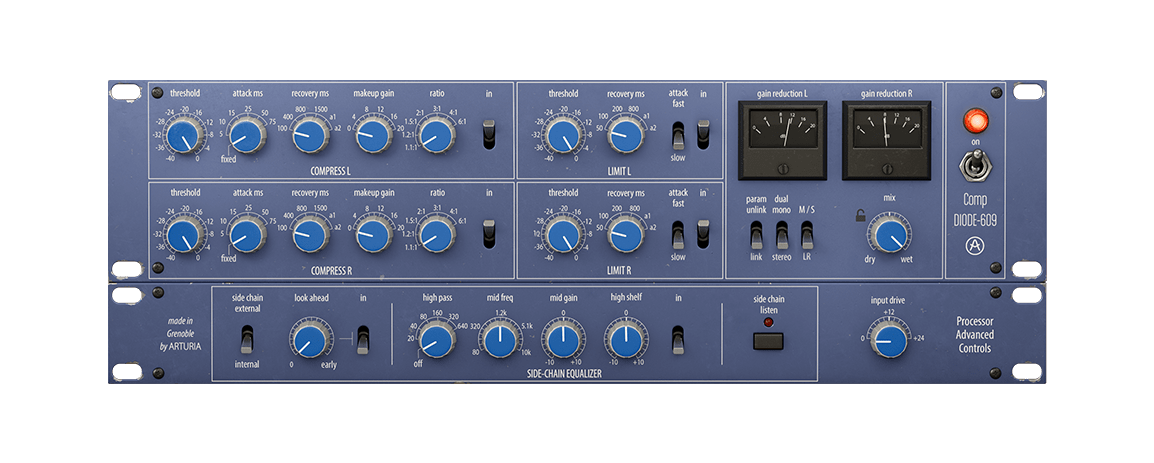
_Comp DIODE-609
Comp DIODE-609 是对传奇的 Neve® 33609 二极管压缩器和限幅器的重新设计的软件仿真,以其温暖、流畅和多功能的立体声响应而闻名。对于混音和母带制作,用模拟动态的精神来增强您的声音。
Discover Comp DIODE-609 →
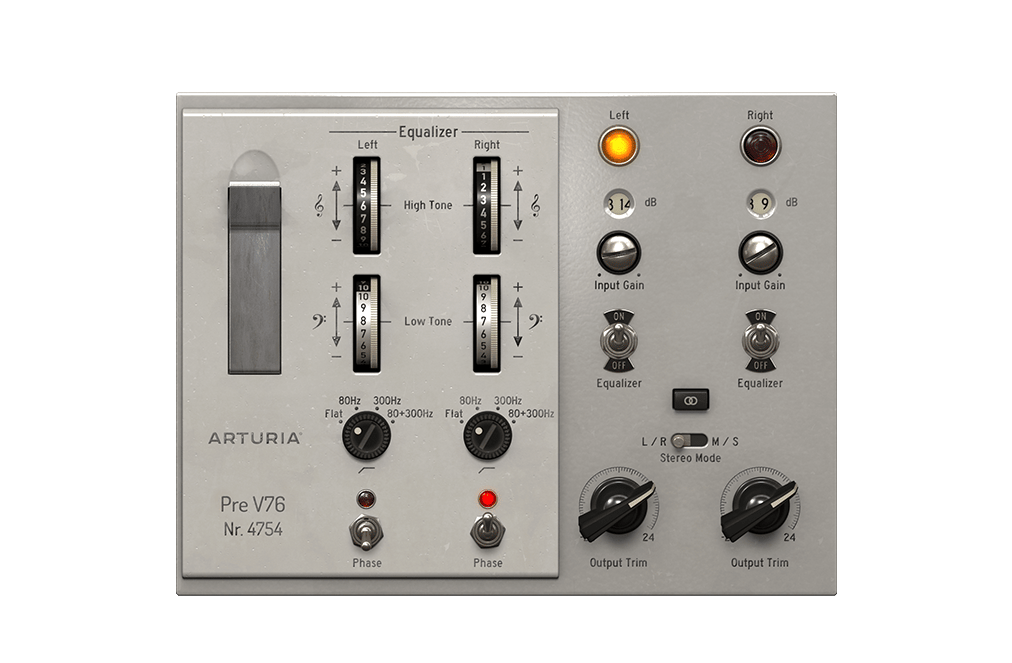
_Pre V76
如果您想探索定义 60 年代流行音乐的声音,这就是适合您的插件。将精确模拟的 V612 EQ 和 V76 前置放大器结合在一个单元中,您可以在虚拟工作室中享受传奇般的声音。
Discover Pre V76 →
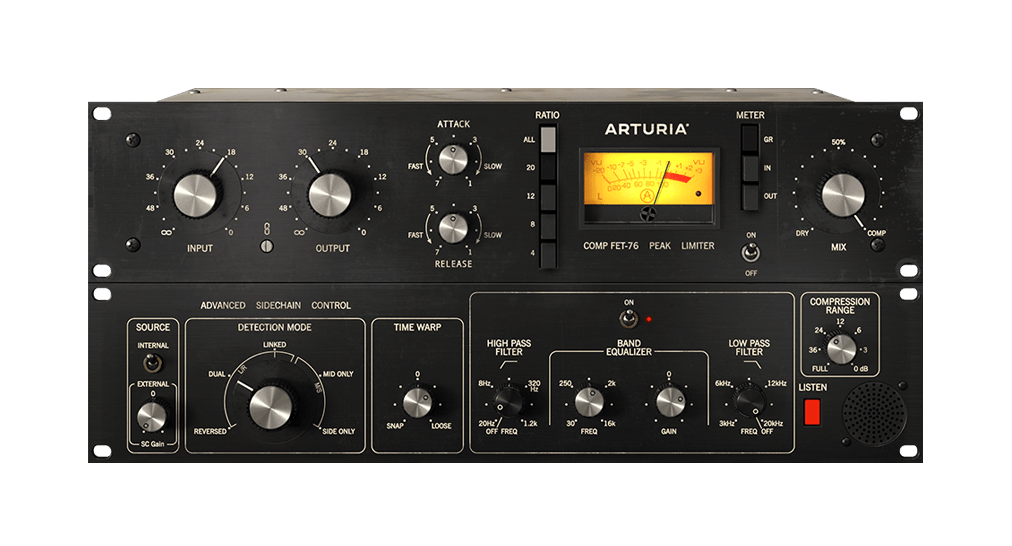
_Comp FET-76
获得完美的人声和乐器音色。微妙的音调塑造和动态控制使您的声音栩栩如生。
Discover Comp FET-76 →
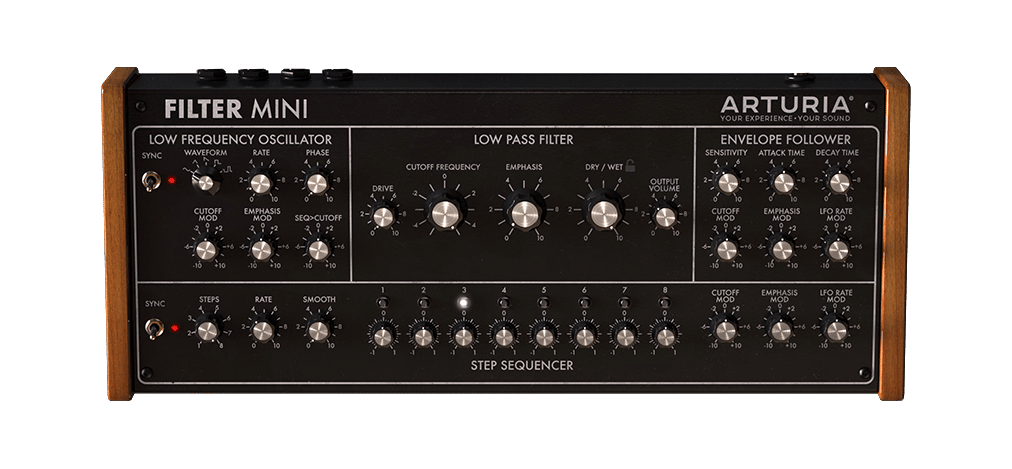
_Filter MINI
如丝绸般光滑,并且温暖而充满活力,标志性的 70 年代单音合成器上的滤波器备受追捧的声音,现在可以用于您喜欢的任何音源上。忠于原版的精确建模,并更新了令人兴奋的新功能。
Discover Filter MINI →
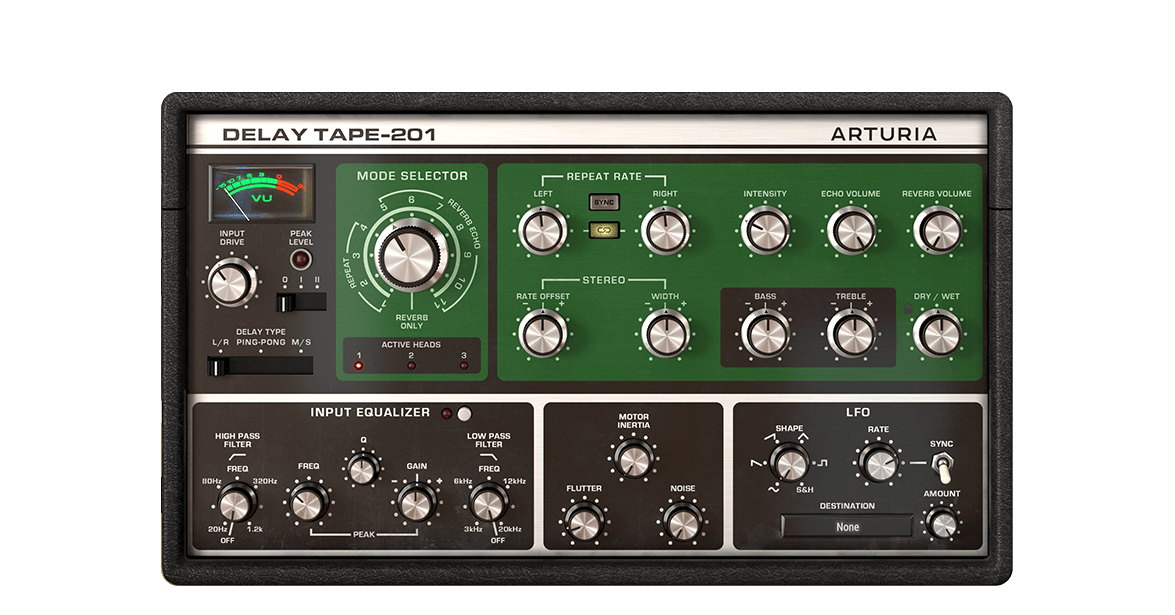
_Delay TAPE-201
Arturia Delay TAPE-201为您提供了您喜爱的复古硬件磁带延迟音效,同时具备软件的可靠性和多功能性。简单易用,乐趣无穷,它将为您提供所渴望的宽敞、回响深远的延迟效果。
Discover Delay TAPE-201 →
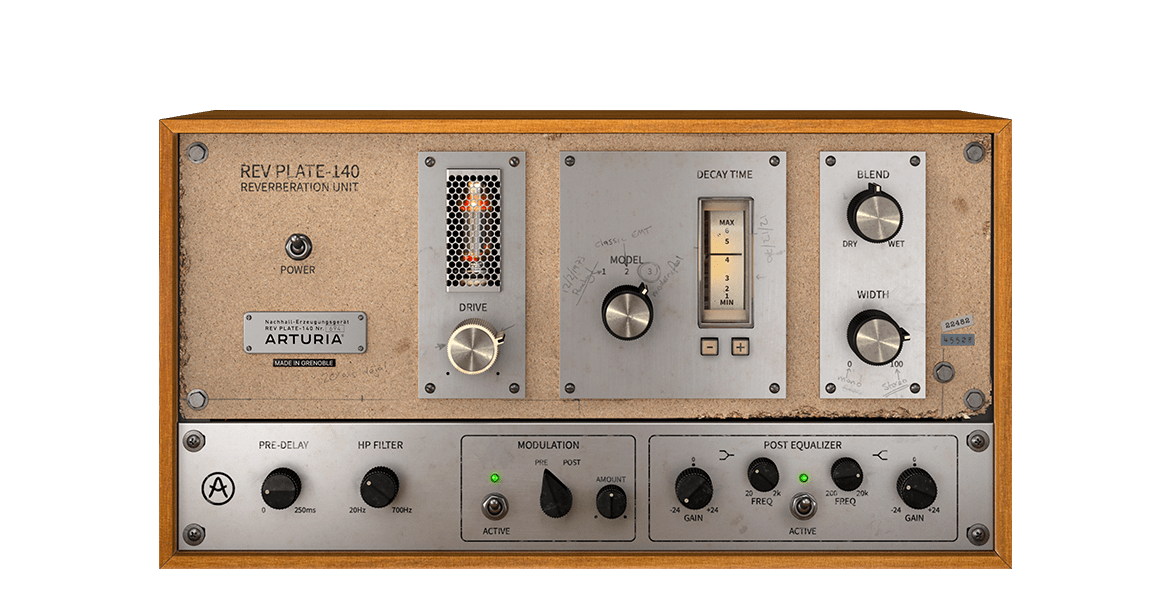
_Rev PLATE-140
现实中的 60 年代原品比四个人加起来还重,成本比一栋房子还高。但现在您可以在指尖使用这台传奇的、改变游戏规则的混响的准确再现,而不会让您破产,或伤到您的背部。
Discover Rev PLATE-140 →
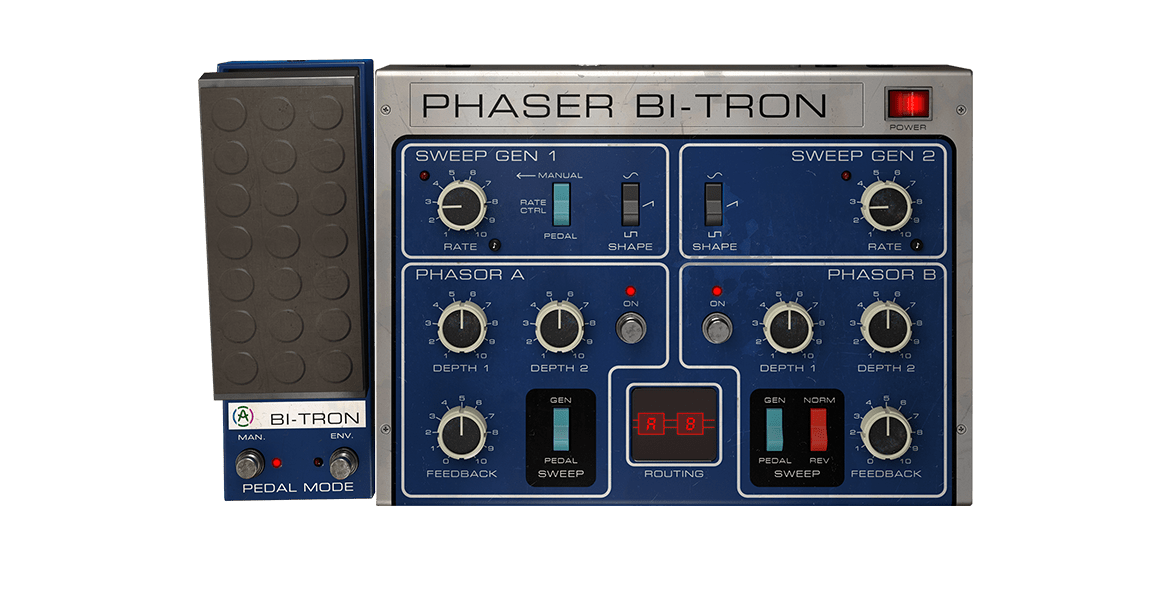
_Phaser BI-TRON
一个包罗万象的移相器,散发着复古科幻的魅力。Phaser BI-TRON 以历史上最令人垂涎的吉他踏板之一为蓝本,具有 2 个扫描发生器、双 12 级移相器电路、强大的路由选项和令人惊叹的声音。
Discover Phaser BI-TRON →
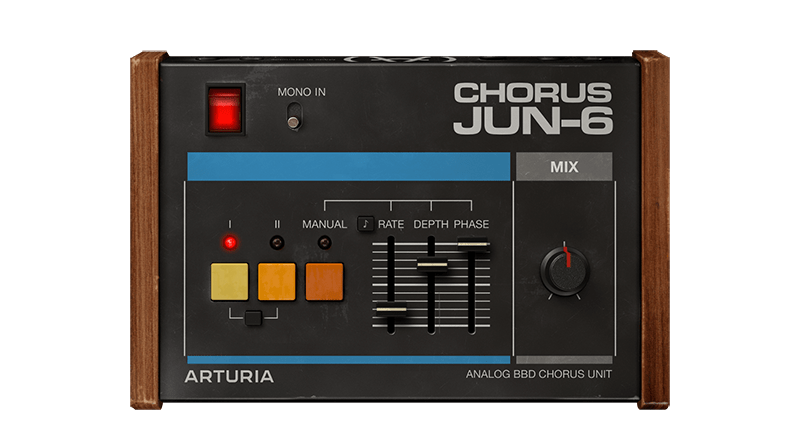
_Chorus JUN-6
Chorus JUN-6 基于 80 年代 Juno 系列中的标志性立体声效果,配有忠实的 BBD 模拟温暖、真实的 3 模式布局和灵活的现代控制,以找到您自己的调制风格。
Discover Chorus JUN-6 →
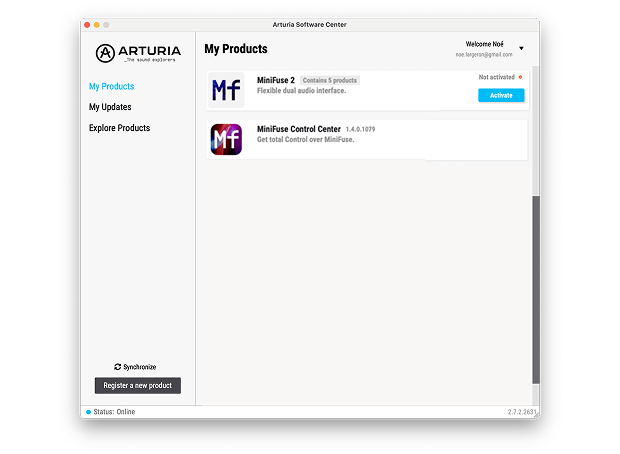
如需安装额外的 Arturia 软件,请通过 Arturia 软件中心操作:
- Download and install the Arturia Software Center. (If you already use the Software Center, skip to step 2.)
- Open the Arturia 软件中心 and look for your AudioFuse Studio Rev2 .
(Your AudioFuse Studio Rev2 must be registered in order to show up in the Arturia Software Center. If you have not done it yet,you can do so here.)
- Click on Activate, then click on the AudioFuse Studio Rev2 title to reveal the included software and install them individually or all at once.
若您在安装过程中遇到问题
Find more information
with our manuals
To learn even more, you can find the manuals on AudioFuse Studio Rev2's Resources page: